I’ve never owned a standalone GPS. Now in the era of crowd-sourced maps and awesome phone apps — it’s been even easier to avoid dropping $350 on a decent GPS.
Before the tips, first the warning: these hikes are very dangerous if you are not experienced and well-prepared.
- Start hiking or trail running on some clearly marked trails first
- Make sure you bring things to keep you safe
- Tell a friend at home where you are going & tell them to call 911 if you don’t come home
With that out of the way here are my tips, from least technology reliant to most.
Summit Post: The Urban Mountains of the CRD

This page on Summit Post is how my hiking buddy and I figured out the Sooke Hills, without trail maps, a smartphone or GPS. We followed printed directions like this:
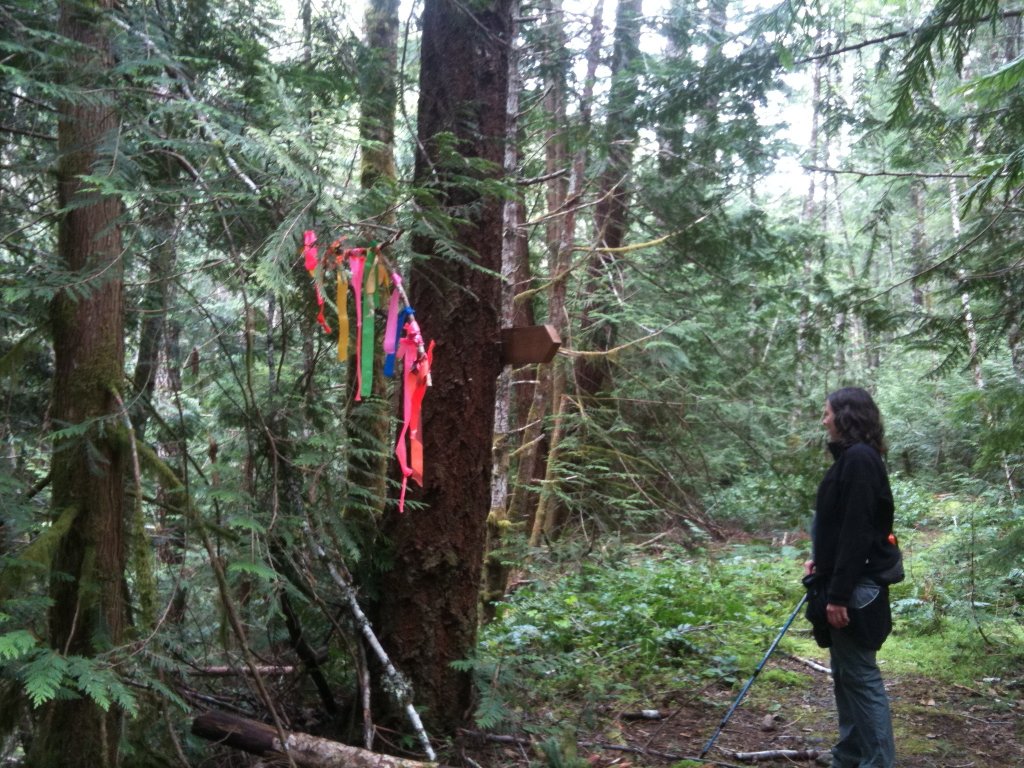
At 40-45 minutes note the wreck of an old red car on the left above the river and shortly thereafter cross the creek…
It took us years to figure out most of the hikes we wanted to do. We had to sometimes try mountains three or four times before we could summit. And sometimes we spent all day just walking trails to see where they went, which was often nowhere.
This is in no way to criticize the tremendous effort that goes into this incredible resource. Following subjective descriptions is just a very slow (but fun) way for many of us to find our way in the woods.
The verdict: Don’t rely on ONLY this site unless it becomes 2010 again & you are too cheap to buy a GPS.
Open Cycle Map
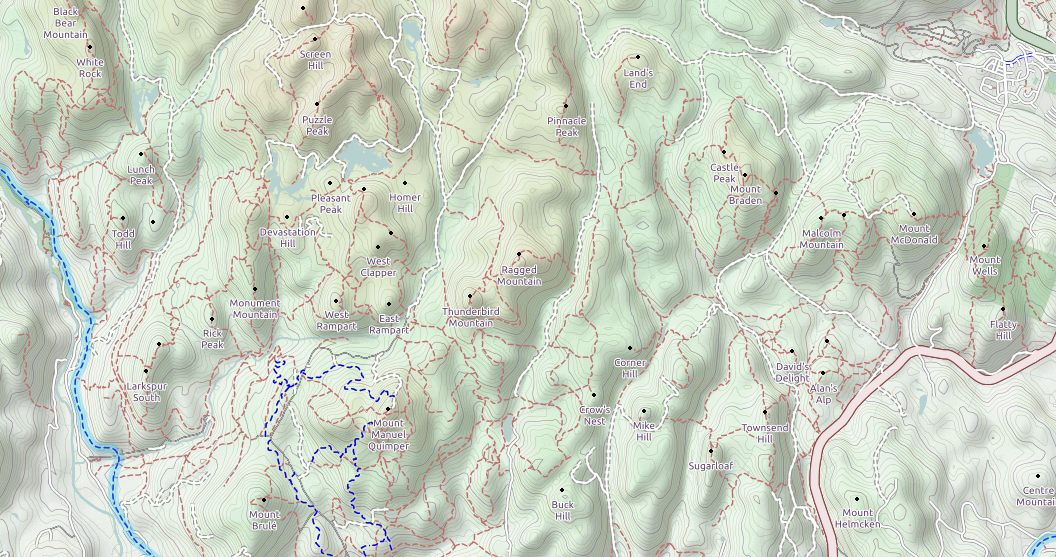
Just like Wikipedia, anyone can edit Open Street Maps.
The version that includes hiking trails is called Open Cycle Map.
A good caveat to remember is that anyone can edit these maps. Not all lines on this map correspond to well flagged, dirt paths in the woods.
The verdict: Always bring along a printed Open Cycle Map! Unless you LIKE that sinking feeling in your gut when you don’t know where you are…
Smartphone apps
The Backcountry Navigator app for Android is awesome.
No cell signal, no problem. The GPS in your phone can use satellites to locate you, just like a standalone GPS would. This has nothing to do with cell reception, so it works in the middle of nowhere.
Just make sure you download the relevant maps at home over WiFi . Or else the app will show you as a little blue dot in a greyed out background OR eat up your entire data plan. Not so helpful.
The only downside is that this completely zaps your battery in 2-3 hours of heavy use. Here is what I do to avoid that problem:
- Put phone in airplane mode. This helps your phone battery when you are out of cell range, as your phone won’t be constantly searching for towers. (The GPS will still work. I know you don’t believe me, but it will.)
- Every time I stop for a snack break & before I leave the car/camp, I turn on the GPS inside the app and mark a waypoint. I then turn the GPS off again.
- If I am going out for a longer trip or feel nervous about navigating, I carry a backup phone battery.
When I had an iPhone, I used AllTrails, though it crashed all the time. (If you have a favourite iPhone app, let me know in the comments!)
The verdict: For the price of two lattes, you have a GPS on your phone!
Join an outdoor club
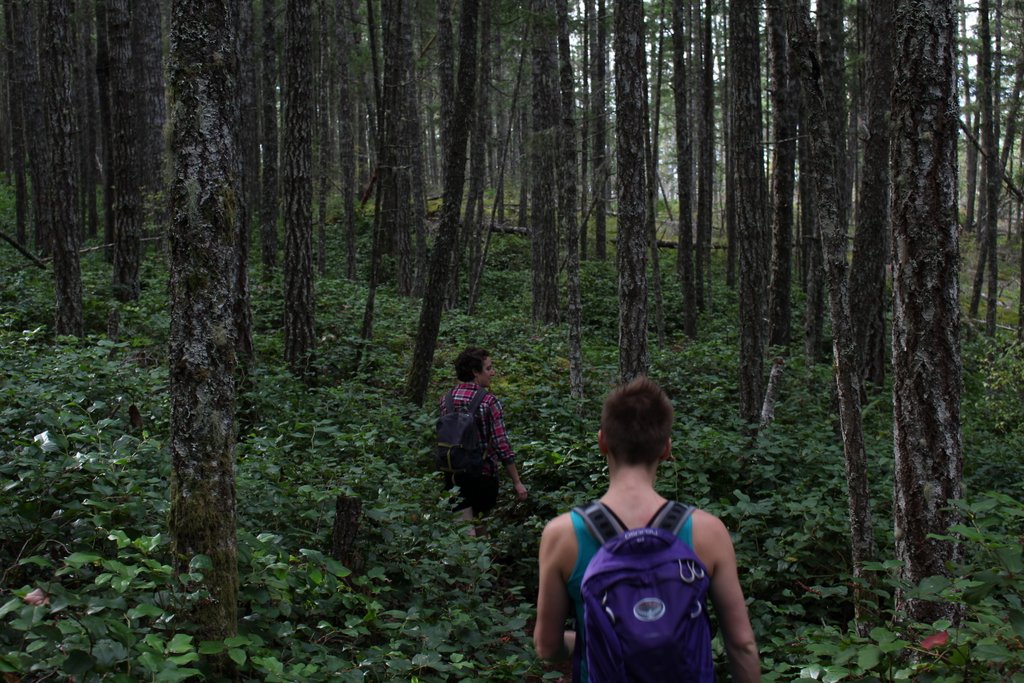
The Alpine Club of Canada heads out for hikes out in the Sooke Hills for hikes all of the time. Many of the hikes are long, adventurous and full of bushwacking.
verdict: The way to go if you want to meet new folks, learn from more experienced folks, and/or don’t have a car.
Some photos from years of hiking in the Sooke Hills


Leave a Reply